Figma to Code for Startups: What to Expect and How to Budget
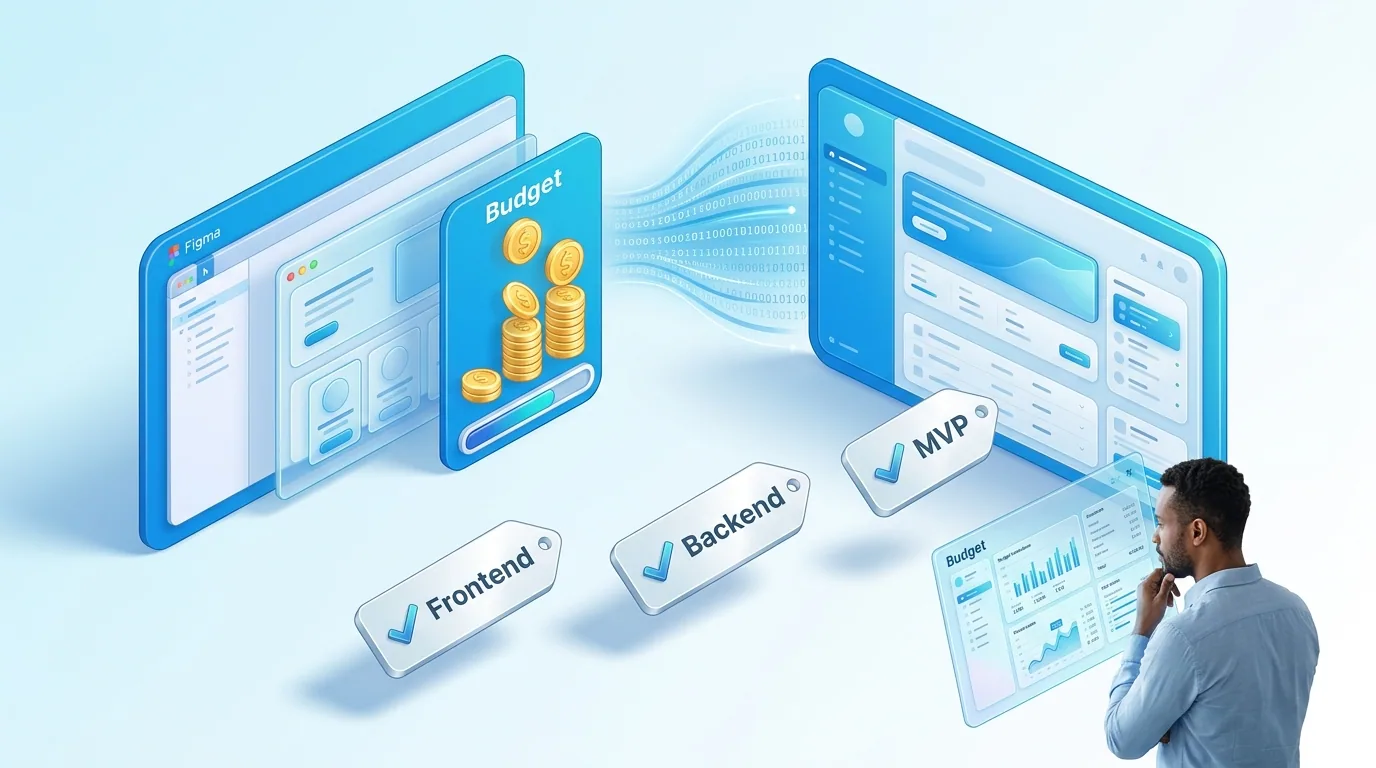
The Startup Budgeting Problem
You are a SaaS founder with a Figma design, limited runway, and a long list of priorities competing for the same budget. You know you need your designs built into a working product. You are trying to figure out what it will cost, what you should prioritise, and how to get the most value from every pound you spend on development.
This guide is written specifically for founders in that position. Not generic agency pricing tables, but practical guidance on how to think about Figma-to-code investment at the startup stage — what to build first, what to defer, and how to structure the engagement so you maintain control of your budget.
Understanding What Drives Cost
The cost of converting Figma designs to production code is driven by four factors, in order of impact:
1. Number of Unique Components (Not Screens)
A common mistake is estimating cost by counting screens. A product with 20 screens that reuse a consistent set of components is significantly less expensive to build than a product with 10 screens where every screen has a unique layout. What matters is the number of unique, reusable components that need to be designed and built.
A typical SaaS MVP has 30 to 60 unique components: buttons, inputs, cards, modals, tables, navigation elements, and page-specific components. The first 20 components (primitives and common composites) represent the foundation and take the most time to build properly. After that, new screens are assembled from existing components, so each additional screen adds less incremental cost.
2. Interaction Complexity
Static screens are the cheapest to implement. Forms with validation add moderate cost. Interactive features — drag-and-drop, real-time updates, multi-step workflows with state management, interactive charts — add significant cost. Animations and transitions add cost proportional to their complexity.
For MVP budgeting, be honest about which interactions are essential for your core value proposition and which are nice-to-have polish. A transaction list with sorting and filtering is probably essential. Animated chart transitions on the dashboard might be deferrable to sprint two.
3. Backend Integration Depth
Frontend-only work — converting Figma designs to React components with mock data — is the most cost-efficient tier. Adding authentication, database integration, and API connections increases scope significantly. Full-stack MVP builds that include backend logic, data modelling, and third-party integrations represent the highest cost tier.
Many startups underestimate this factor. A Figma design shows a "connected accounts" settings page. The frontend implementation of that page is straightforward. But building the OAuth integration, token storage, refresh logic, and error handling behind it can cost more than the entire settings section combined.
4. Responsive Scope
Desktop-only implementation is cheapest. Adding tablet and mobile responsive behaviour typically adds 30 to 50 percent to the frontend cost, depending on how much the layout changes between breakpoints. For B2B SaaS products where users primarily work on desktop, launching with desktop-first and adding mobile support later is a legitimate strategy.
Realistic Price Ranges for Startups
Based on our experience building SaaS MVPs from Figma designs, here are honest price ranges:
Frontend Only (Figma to React Components)
Converting 10-15 screens of Figma designs into a React component library with mock data, responsive behaviour, and Storybook documentation: £4,000 to £12,000. This gives you production-quality frontend code that your engineering team (or a backend developer) can connect to your API layer.
Full MVP Build (Frontend + Auth + Core Backend)
Complete Figma-to-production build including authentication, database, core API endpoints, and deployment: £8,000 to £25,000. This delivers a deployed, working product that real users can sign up for and use. The range depends on the number of screens, interaction complexity, and integration depth.
MVP + Growth Features
Full MVP plus additional features like payment processing, email notifications, admin panel, analytics integration, and API documentation: £20,000 to £45,000. This is typically a 6-8 week engagement and delivers a product ready for serious commercial traction.
How to Phase Your Budget
The smartest way to manage a limited budget is phased development. Here is how we typically structure engagements with pre-seed and seed-stage startups:
Phase 1: Core Product (Weeks 1-3) — 60% of Budget
Build the screens and features that represent your core value proposition. The minimum viable set of functionality that lets users experience your product's primary benefit. Authentication, the main workflow, and the primary data display. This phase should produce a deployable product that real users can try.
Phase 2: Completion (Weeks 4-5) — 25% of Budget
Secondary screens, settings, onboarding polish, error handling, empty states, and the features that make the product feel complete rather than prototype-like. This phase bridges the gap between "it works" and "it feels like a real product."
Phase 3: Growth (Ongoing) — 15% of Budget as Retainer
Post-launch feature development based on actual user feedback. This is where you get the best ROI — building features that users have explicitly requested rather than features you assumed they would need.
How to Prepare Your Figma Files to Reduce Cost
The state of your Figma files directly affects development cost. Well-prepared files reduce development time, miscommunication, and revision cycles. Here is what saves money:
- Use a component library: If your screens are built from reusable Figma components, we can map those directly to React components. If every screen is a flat layer group, we spend time identifying patterns that should be components.
- Define design tokens: Document your colours, typography, and spacing as a consistent token system. If your Figma file uses 14 slightly different greys, we need to decide which ones are intentional and which are inconsistencies.
- Show responsive behaviour: Even rough responsive frames for your core screens save hours of interpretation. We need to know whether the sidebar becomes a bottom nav or a hamburger menu — guessing leads to revision cycles.
- Document interactive states: What does the button look like when loading? What does the form show on error? What does the table look like with no data? Missing states are not free — someone needs to design and build them.
Red Flags in Agency Pricing
When evaluating Figma-to-code agencies, watch for these warning signs:
- Per-page pricing: This incentivises agencies to build each page as a standalone implementation rather than a composable component system. It produces code that is expensive to maintain.
- No code access during development: You should have access to the repository from day one. If an agency will not give you code access until the end, that is a control issue, not a process preference.
- Vague "discovery phase" costs: A paid discovery phase is reasonable for complex products. But it should produce specific deliverables — an architecture document, a component inventory, a detailed estimate — not just "we will understand your product better."
- No discussion of what happens after handoff: If the agency only talks about building and never about maintaining, extending, or handing over — the code is probably not built for anyone else to work with.
If you have a Figma design and want an honest assessment of what your MVP would cost to build, book a free consultation. We will review your designs and give you a detailed, no-obligation estimate with clear phase recommendations.
 Custom SaaS Development
 Web App Development
 API Development